



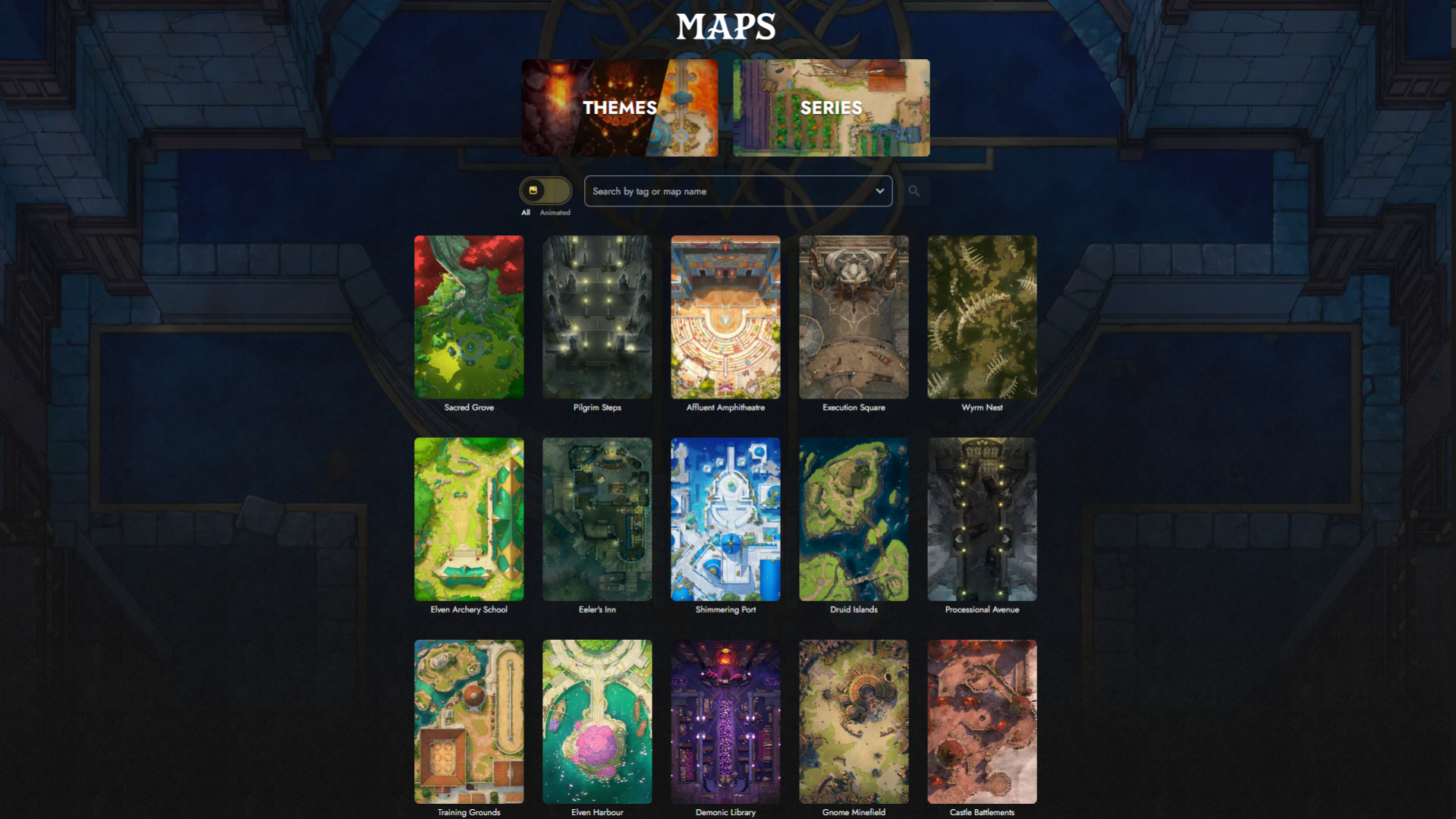
The Fantasy Maps gallery is your starting point for browsing the full Czepeku Fantasy Maps library. You can search by name or tag, filter by map type, or browse curated collections to find what you need.
Browsing Maps
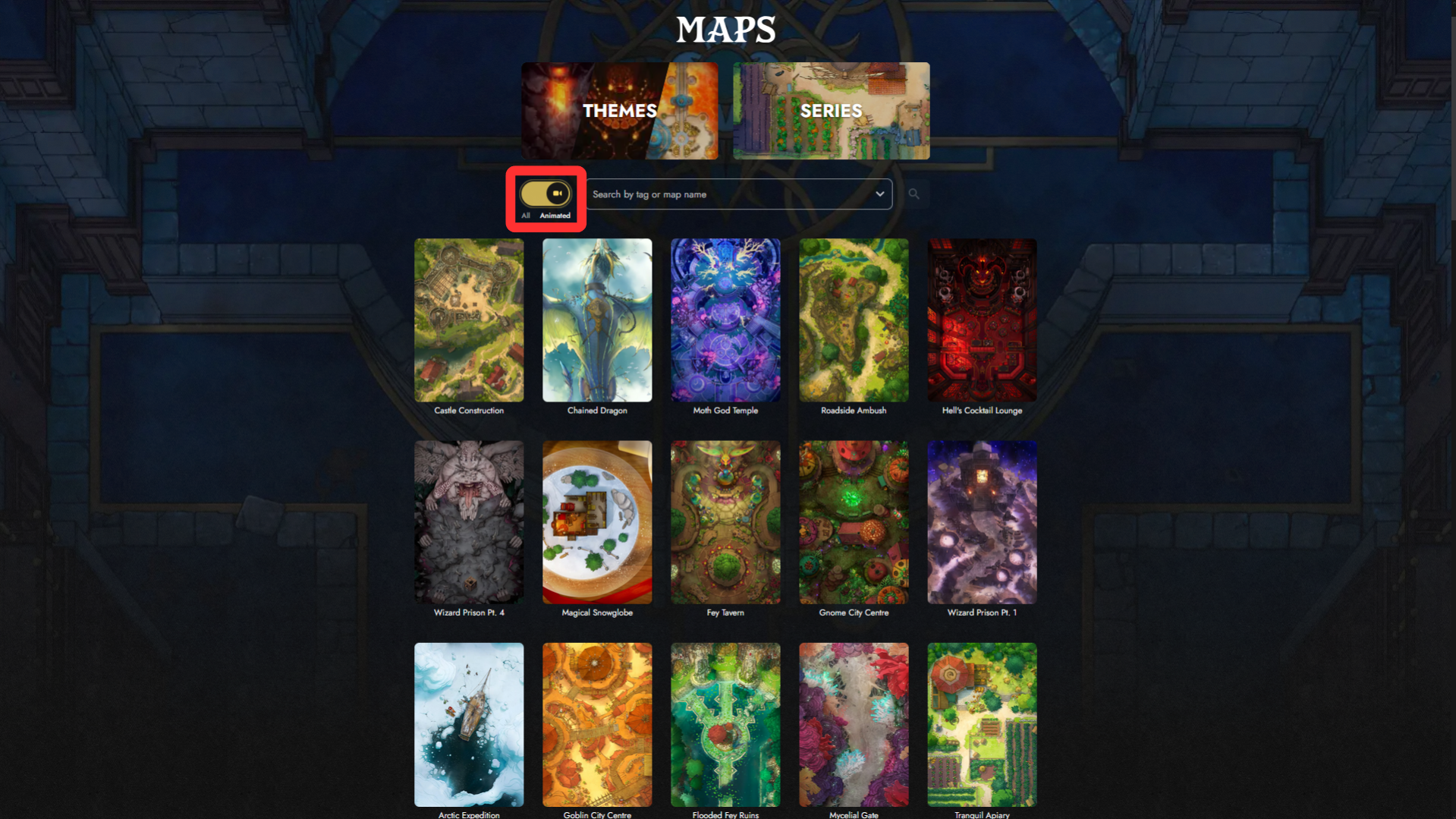
Maps are displayed as a grid of thumbnails, Click any map to go directly to its map page.
Animated Maps
The toggle button next to the search bar lets you switch between All and Animated maps. Selecting Animated filters the gallery to show only maps that include an animated variant.
Searching Maps
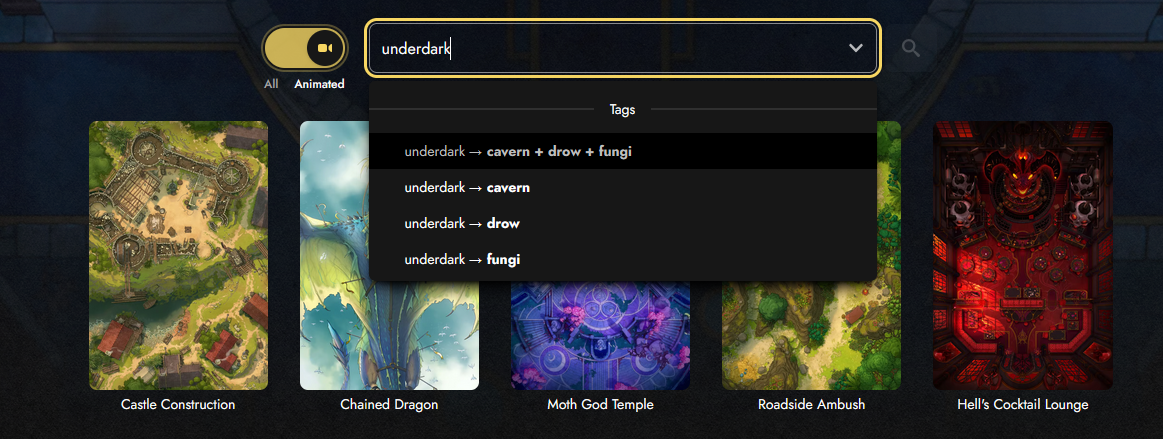
The search bar lets you search by map name or tag. Results will appear as you type.
If there’s no single tag for what you’re looking for, the search menu may suggest combinations. For example, typing “underdark” will provide combinations like cavern+drow+fungi to help you narrow down results.
Themes
The Themes banner at the top of the gallery links to a separate page where maps are grouped into broad thematic categories.
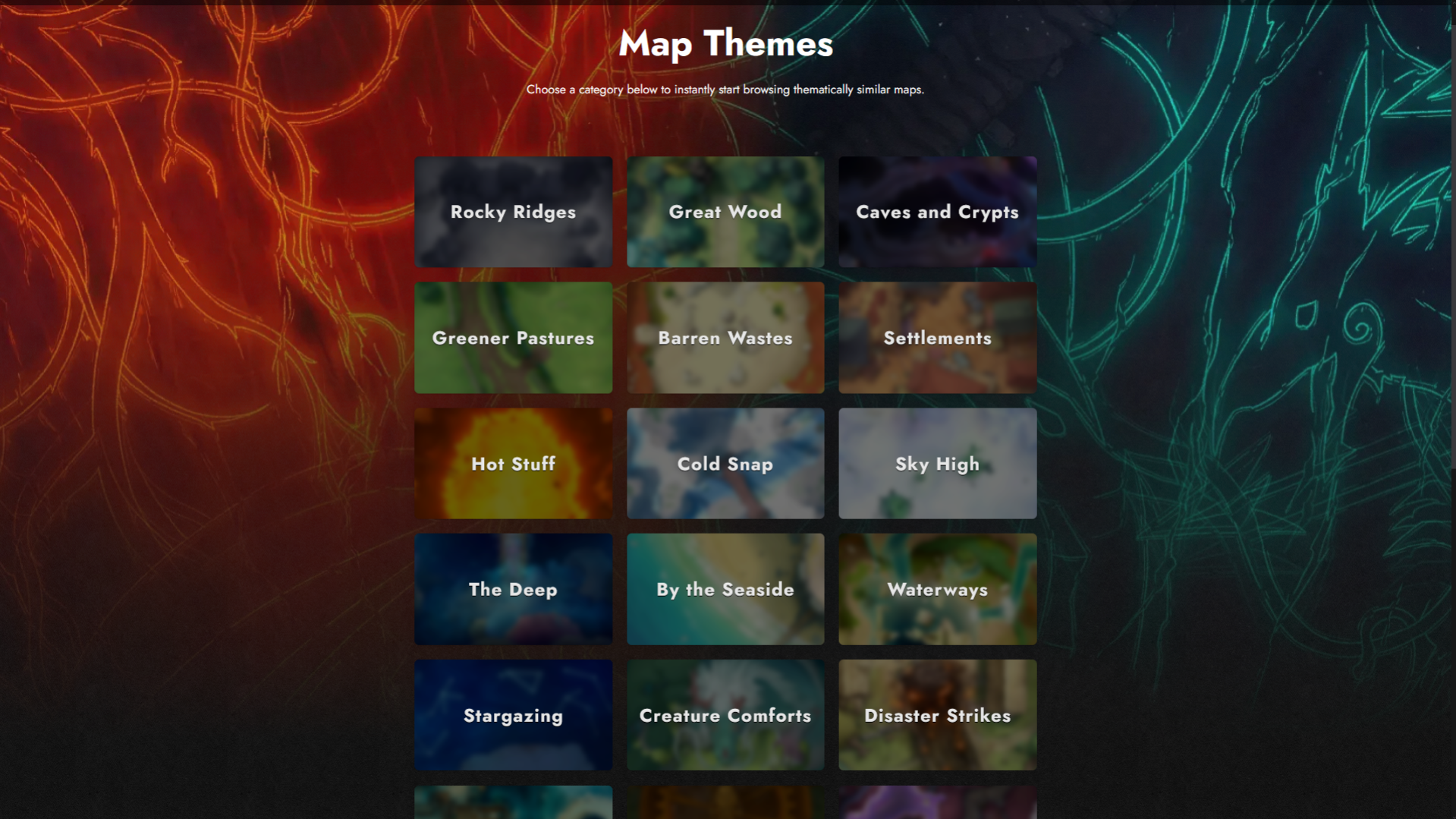
Each theme covers tags related by biome, genre, environment, or more. For instance, the Great Wood theme covers maps tagged with the forest, clearing, jungle, swamp, and tree maps. Themes are a good starting point if you know the general setting you need, but aren’t sure which tags to search for.
Series
The Series banner at the top of the gallery links to a separate page where maps are grouped into named collections.
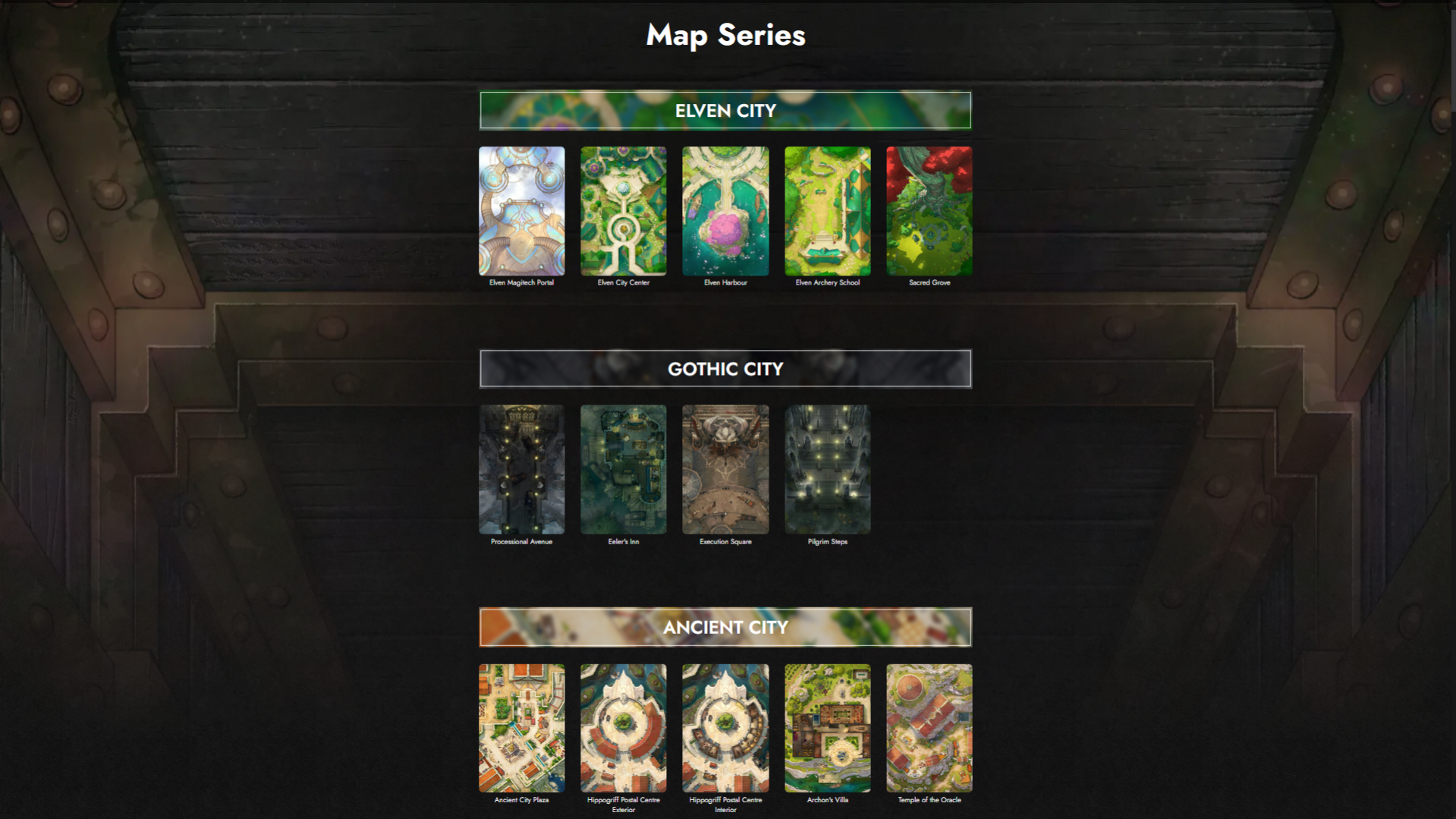
Each series is a set of maps that share a location, setting, architectural style, or more—such as the various districts of a gothic city, or a peaceful starting village with multiple explorable locations. If you’re building out a specific environment across multiple sessions or setting up a home base or recurring hub for your players, Map Series are a good place to look.
Once you’ve found a map you like, head to our Navigating Map Pages guide for everything you need to know about previewing variations to downloading VTT files.